
content
Jul 07, 2026 04:59:09 AM
TRANSLATE
Step 1
You will need to head over to our download page and find a mirror that you would like to download our game client from
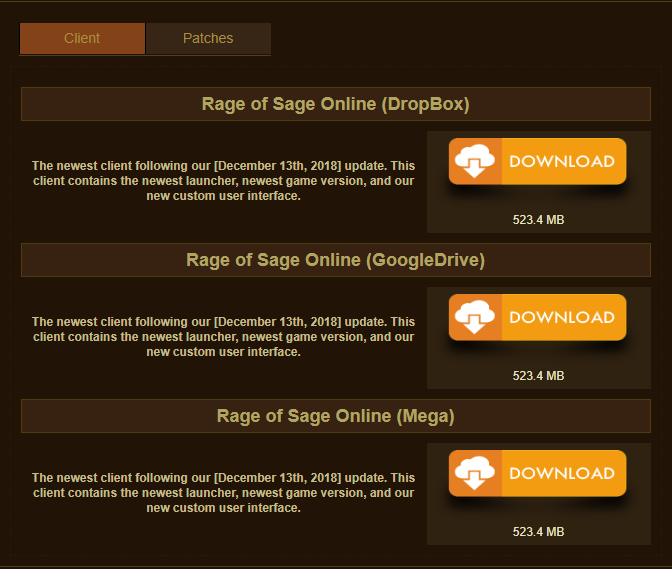
There are plenty different mirrors to choose from. Select the one you like best
Step 2
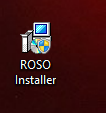
Once you have downloaded the game client installer, double click it
Step 3
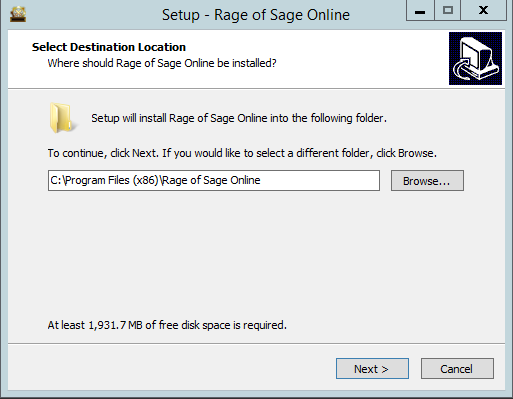
Choose the destination folder for your client. (Default is your Program Files). Click next
Step 4
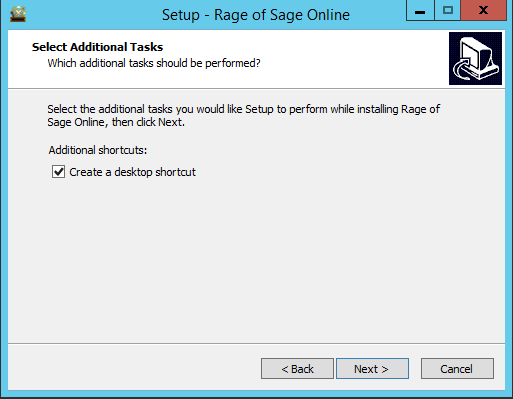
Select if you would like to create a desktop icon or not. Click next
Step 5
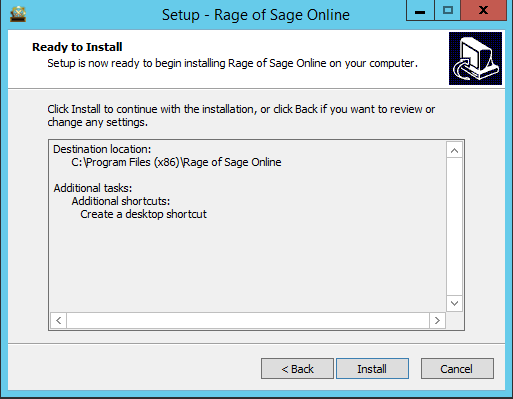
Make sure the settings you selected are correct. If they are click Install, if not press back and edit them to your liking
Step 6
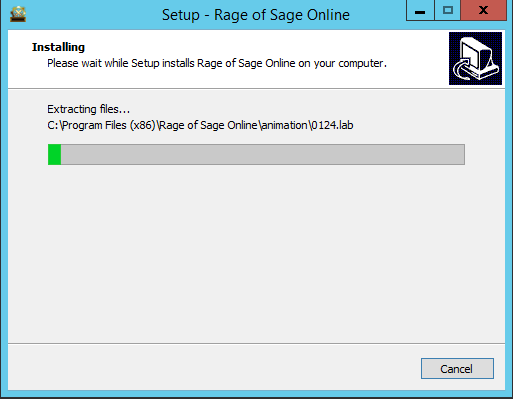
The game client will be installed on your computer. This process may take a while depending on your processor speed.
Step 7
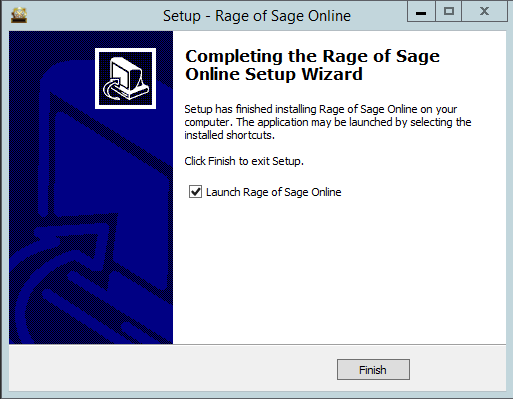
The game client has successfully been installed and you can launch the game now or exit the installer (By default launch game is selected)
Step 8
Our launcher will connect you to our server to verify if there are any updates that need to be done to your client. If there are changes/updates they will automatically be downloaded.
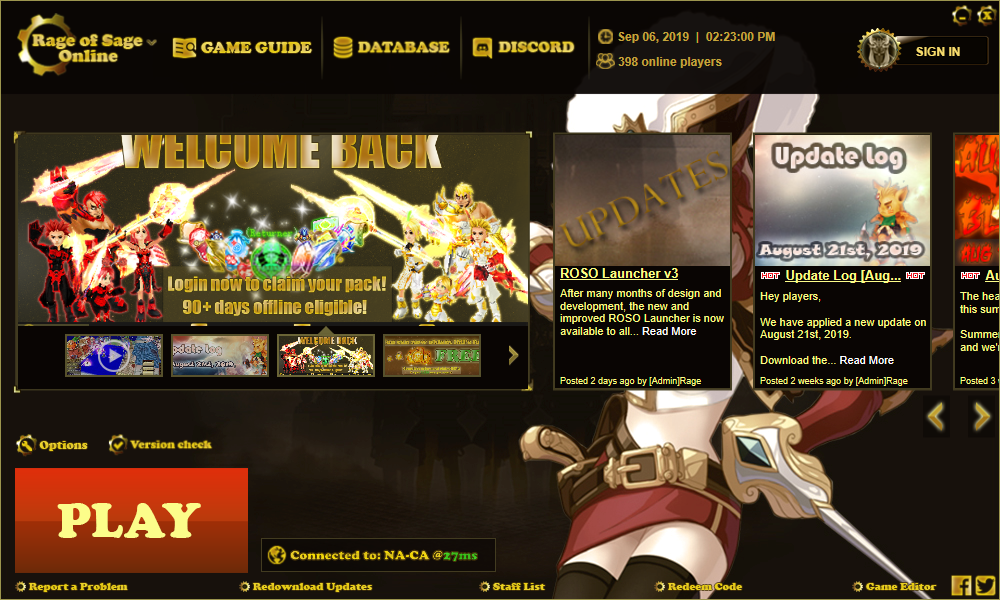
Hit play and the game will load! Enjoy the game!